One timeline
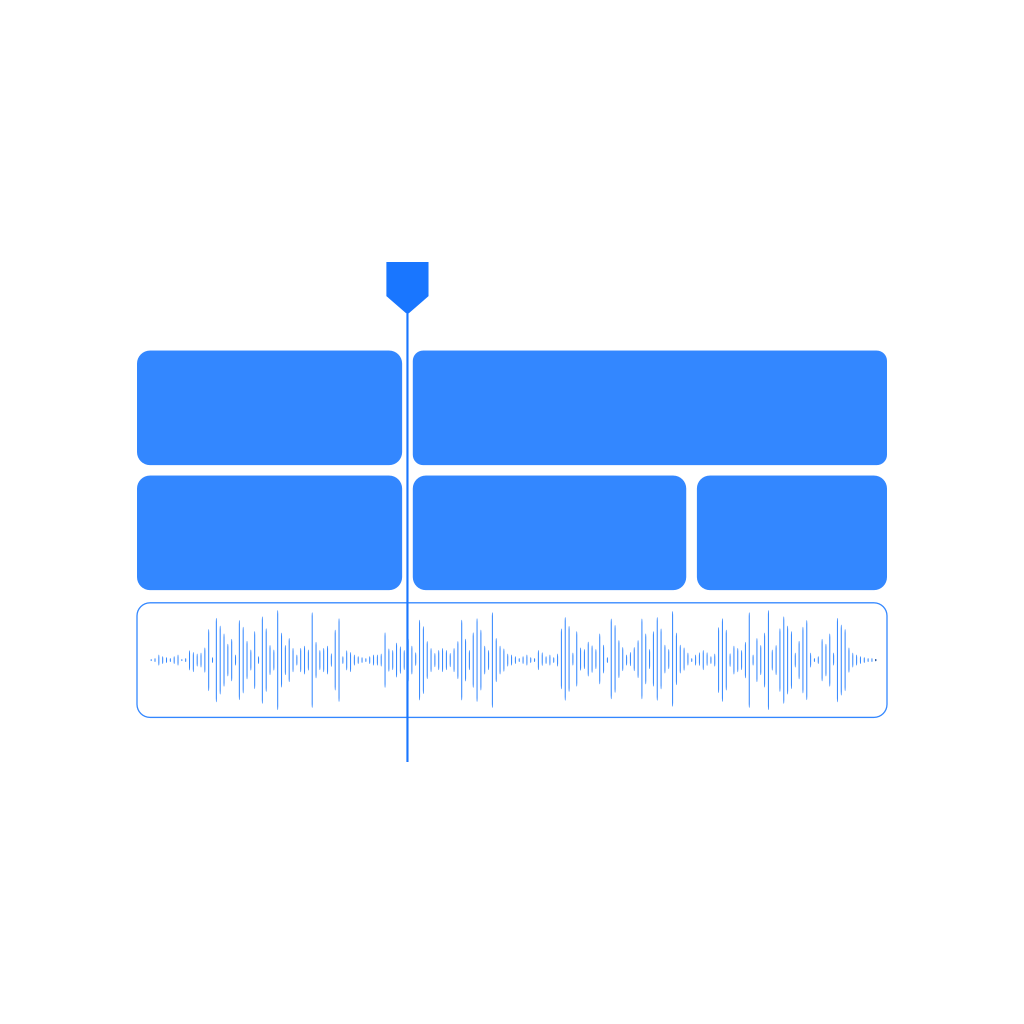
See video and audio tracks together, with waveforms that make the alignment visible.
Desktop application
Synchronize camera footage and audio. Review the result. Export XML.
The idea
Bring your camera clips and separately recorded audio into a synchronized timeline, then export XML for the edit.
Desktop · Application
SyncInterface previewYour footage.Inside the tool
See video and audio tracks together, with waveforms that make the alignment visible.
Inspect matched clips and the sync results before moving on to your edit.
Move the synchronized timeline into your editing workflow with XML export.
How it works
Import the camera footage and the separately recorded audio you want to synchronize.
Add video and audio to the timeline, then run Sync to find their alignment.
Check the preview and sync results, then use Export XML to continue editing.
Good to know
No. SyncFlow is a desktop application. Its XML export connects the synchronized timeline to your editing workflow.
Enter your license in SyncFlow’s activation screen on the computer where you will use the app. You can check your license on this website first.
Need the installer or a hand getting started?
Ask about SyncFlow